





Premium IPTV Canada Service for Canadian Viewers
Explore how IPTV works and discover a flexible way to watch live television and on-demand entertainment over the internet. Depending on your subscription and available content rights, you can access TV channels, sports, movies, and series through compatible streaming devices. Learn about device compatibility, setup requirements, and streaming quality before choosing the option that fits your viewing needs.
No long-term commitment • Easy setup • Multi-device support
A Smarter, More Affordable Way to Watch TV
Searching for a flexible and budget-friendly way to watch TV in Canada? Our IPTV service brings live television and on-demand entertainment together in one convenient streaming experience. Watch your preferred channels, sports, movies, series, and international programming from compatible devices without relying on a traditional cable package.

Discover How IPTV Streaming Works in Canada
IPTV streaming lets you watch television through an internet connection instead of relying solely on traditional cable or satellite delivery. Depending on the service, you can access live TV channels and on-demand entertainment using compatible devices such as Smart TVs, streaming boxes, smartphones, tablets, or computers.
A Flexible Sports Streaming Experience in Canada
From hockey and football to basketball and other sporting events, sports fans have plenty to consider when choosing a TV streaming service. IPTV delivers television over an internet connection, making it possible to watch available sports programming on compatible devices, depending on the service and its content rights.


IPTV Compatibility with Smart TVs and Fire TV Devices
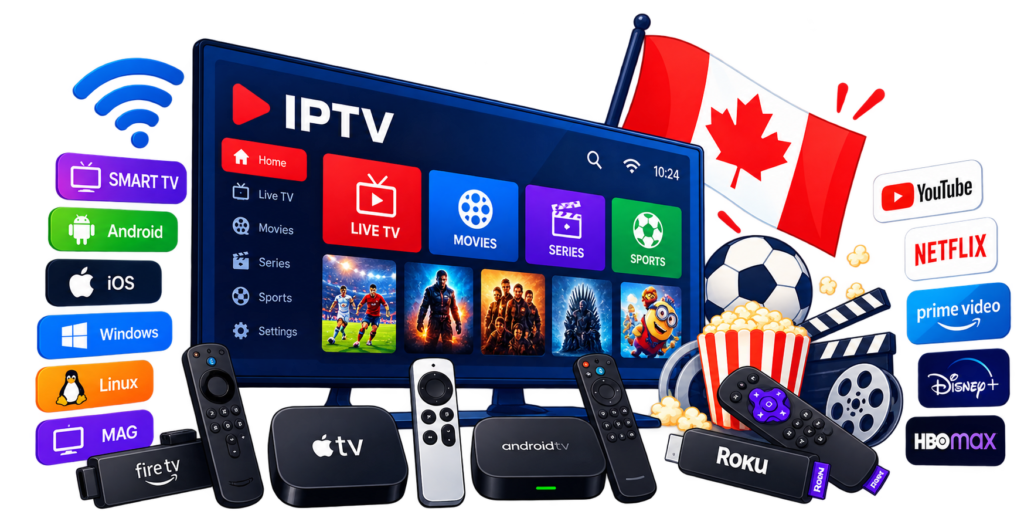
Want to watch internet-based television on your big screen? Many IPTV services can be accessed through compatible Smart TVs and streaming devices, including supported Fire TV models. The available setup depends on your device, operating system, and the application recommended by your provider.
Enjoy High-Quality IPTV Streaming in Canada
Picture quality plays an important role in your TV streaming experience. Depending on the channel, content source, and supported device, Tvstreamcanada may offer HD or 4K playback for a clearer, more detailed picture.


Watch IPTV on Android and iOS Devices
Prefer watching TV on your phone or tablet? Depending on the provider and available app support, Tvstreamcanada can let you enjoy live television and on-demand content on compatible Android and Apple devices.
Explore Live TV Streaming Alternatives to Cable in Canada
Looking for more flexibility in how you watch television? Internet-based tvstreamcanada gives Canadian viewers another way to access live programming without relying on a traditional cable connection. Depending on the service you choose, available content may include Canadian channels, international programming, sports, and entertainment.
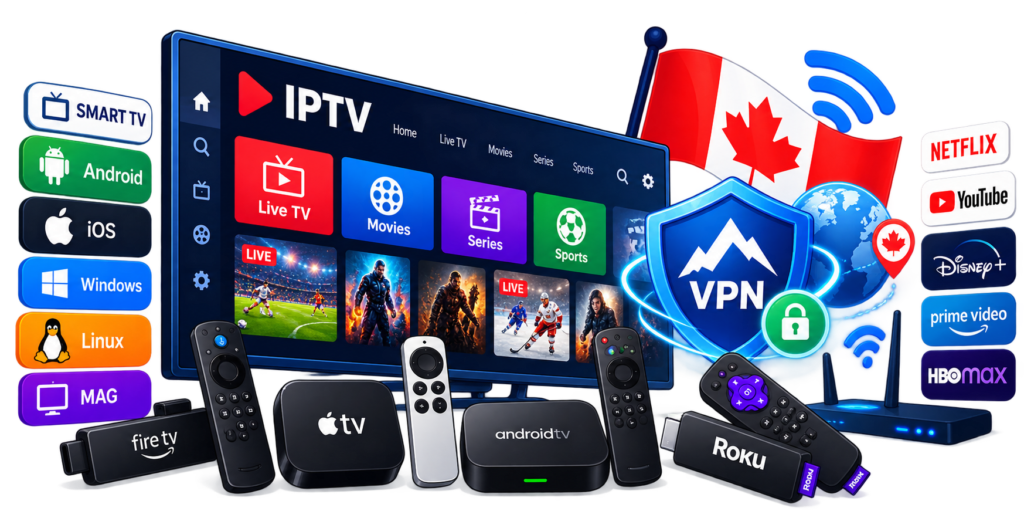
IPTV Streaming with Integrated VPN Protection
Enjoy a more convenient IPTV streaming experience with integrated VPN protection built into our service. Unlike setups that require a separate VPN application, our solution includes VPN functionality as part of the service, so you don’t need to install an additional VPN app. subscription and device compatibility.
Explore On-Demand Movies and TV Shows with IPTV in Canada
Beyond live television, some IPTV services offer a Video on Demand (VOD) library where viewers can choose movies and TV series to watch when it suits them. Depending on the service and available content rights, the selection may include popular films, TV shows, and international entertainment.











Watch Movies and TV Series Online in Canada
Looking for a more flexible way to enjoy movies and TV shows? Video on Demand (VOD) lets you choose from an available library of films and series instead of following a live TV schedule. With compatible IPTV services, you can browse the available catalogue and start watching supported titles when it suits you.
What to Look for in an IPTV Service in Canada
INSTANT INSTALL
HIGH SPEED
We use an optimized dedicated server with a 20 Gbps connection speed
FAST SUPPORT
Our customer service is available 24/7 for any kind of inqueries.
SUPPORT ALL DEVICES
You can watch your favorite TV channels on all types of your devices

IPTV Canada compatible with all devices
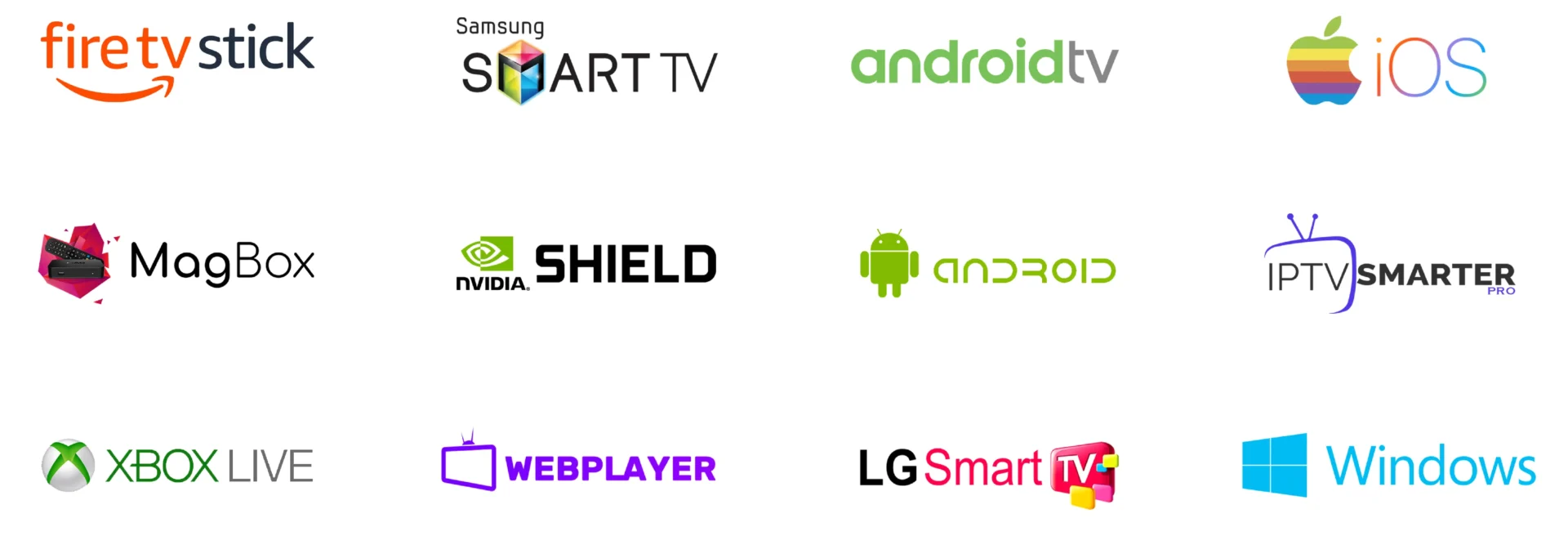
Make sure your preferred device is supported before choosing an IPTV service in Canada. Depending on the provider’s supported apps and setup requirements, you may be able to stream on Android devices, iPhones and iPads, compatible Smart TVs, Fire TV devices, and selected streaming boxes.
30 days money back guaranteed
How to Set Up IPTV in Canada in 3 Easy Steps
01
Choose Your Plan
Compare the available subscription options, check the included channels and features, and confirm that your device is supported before signing up.
02
Configure Your Device
Follow the setup instructions provided for your device. Depending on the service, you may need a compatible app and the account details supplied after registration.
03
Start Watching
Once setup is complete, open the service and explore the live channels and on-demand content included in your plan, using a compatible device and stable internet connection.
IPTV Canada Plans & Pricing
Compare IPTV Canada subscription plans for 1, 2, or 3 devices. Explore available subscription durations, compare prices in Canadian dollars (CAD), and review the features of each plan. Contact our team for information about your options and setup assistance.
Compare subscription durations and device options before choosing a plan. Need help? Contact our team on WhatsApp for subscription information and setup assistance.
Discover How IPTV Streaming Works in Canada
Looking for a flexible way to watch television in Canada?
IPTV streaming delivers TV content over an internet
connection, giving viewers an alternative to traditional cable.
Depending on the provider and available content rights, an
IPTV service in Canada may offer live television,
sports programming, movies, and TV series in one place.
Before choosing an IPTV subscription in Canada,
check which channels and on-demand titles are included, what streaming
quality is available, and whether your preferred device is supported.
Compatible devices may include Smart TVs, Fire TV devices, Android
phones and tablets, Apple devices, and computers, depending on the
service and its setup requirements.
Getting started usually involves choosing a suitable plan, checking
your internet connection, and following the provider's configuration
instructions. Some services also include a
Video on Demand (VOD) library, allowing viewers to
select available movies and TV shows instead of following a live
broadcast schedule.
By comparing device compatibility, content availability, streaming
requirements, customer support, and subscription terms, you can find
an IPTV streaming option that better matches your
viewing preferences. Always check that the provider is authorized to
distribute the content it offers.
IPTV Canada: Frequently Asked Questions
Learn how IPTV works, which devices are supported, what you need to get started, and what to consider before choosing a subscription in Canada.
What is IPTV and how does it work?
IPTV stands for Internet Protocol Television. It delivers television content through an internet connection rather than traditional cable or satellite delivery. Depending on the service, viewers can access live channels and on-demand movies or TV shows using compatible devices.
How can I get started with IPTV in Canada?
Start by checking the provider's available plans, content rights, device compatibility, and subscription terms. After choosing a suitable option, follow the provider's registration and setup instructions to configure the service.
How do I set up an IPTV service?
First, confirm that your device is supported and connected to the internet. Then follow your provider's instructions to install or open the recommended application and enter any required account details. The exact steps vary by device and service.
Which devices can I use for IPTV?
IPTV may be available on compatible Smart TVs, Fire TV devices, Android phones and tablets, Apple devices, computers, and selected streaming boxes. Compatibility depends on the provider, application, operating system, and device model. Check the supported-device list before subscribing.
What internet speed do I need for IPTV?
The required internet speed depends on the video quality, device, and number of simultaneous streams. As a general guideline, around 10 Mbps may be sufficient for one HD stream, while 25 Mbps or more is a useful starting point for 4K streaming. Other household internet activity can increase the bandwidth you need.
Does IPTV support HD and 4K streaming?
Some IPTV services offer HD and 4K content, but availability varies by channel, title, subscription, and device. A compatible screen and stable internet connection are also important for playback quality. Check the provider's specifications for the content you want to watch.
Can I watch live sports through IPTV in Canada?
Some IPTV services carry sports programming, but the availability of specific leagues, teams, channels, and events depends on the package and applicable broadcasting rights. Check the channel list and event availability before choosing a service.
What is Video on Demand (VOD)?
Video on Demand, or VOD, lets viewers choose available movies and TV shows from a catalogue instead of watching only scheduled live broadcasts. The size of the library, available titles, and playback options vary by service and content rights.
Can I use IPTV on more than one device?
This depends on your subscription. Some plans permit multiple registered devices or simultaneous streams, while others limit the number of connections. Review the plan conditions to confirm how many devices can watch at the same time.
Do I need to install a separate VPN for IPTV?
VPN requirements depend on how the service is designed. If a subscription genuinely includes integrated VPN functionality, a separate VPN application may not be necessary for that feature. Check which devices are supported and how the included protection works. A VPN does not replace the content licences required to distribute television programming.
Is IPTV legal in Canada?
IPTV technology itself is a method of delivering television over the internet. Whether a particular service is lawful depends on factors including authorization to distribute the content it offers. Before subscribing, check the provider's identity, content rights, terms, and applicable Canadian requirements.
Can I try an IPTV service before subscribing?
Trial availability depends on the provider. Check whether a free trial or demonstration is offered, how long it lasts, which features are included, and whether payment details or cancellation are required.
How can I check which channels are included?
Review the provider's current channel list and subscription details before ordering. Confirm whether the Canadian, international, sports, and entertainment channels you want are included, and check for any regional restrictions or content availability limitations.
Can I get help with IPTV installation?
Check whether the provider offers setup guides, troubleshooting instructions, or direct customer support. Useful assistance should explain the configuration process for supported devices and help users understand common connection issues. Support hours and available contact methods vary by provider.
Can I record live TV with IPTV?
Recording depends on the IPTV application, device, and service features. Some setups support DVR or recording functions, while others do not. Check whether recording is available and whether any storage or content restrictions apply.
What should I check before buying an IPTV subscription?
Compare the total price, subscription duration, included content, supported devices, connection limits, renewal conditions, cancellation process, refund policy, and customer support. Make sure you understand the terms before completing your purchase.
Does an IPTV subscription include a refund guarantee?
Refund eligibility depends on the provider's published refund policy and the conditions of your purchase. Before paying, check the eligible refund period, exclusions, cancellation requirements, and how to submit a request.
Why does IPTV sometimes buffer?
Buffering can result from an unstable internet connection, Wi-Fi interference, device limitations, network congestion, or problems with the streaming service. Try checking your connection, reducing competing network activity, restarting the app, and consulting the provider's troubleshooting guide.
Top 1 IPTV Canada Subscription
REGULATIONS
CUSTOMER SERVICE
Contact US
© 2026 Tvstreamcanada. All Rights Reserved
